Is your iPhone stuck in SOS mode? Here's how to fix it - Engadget
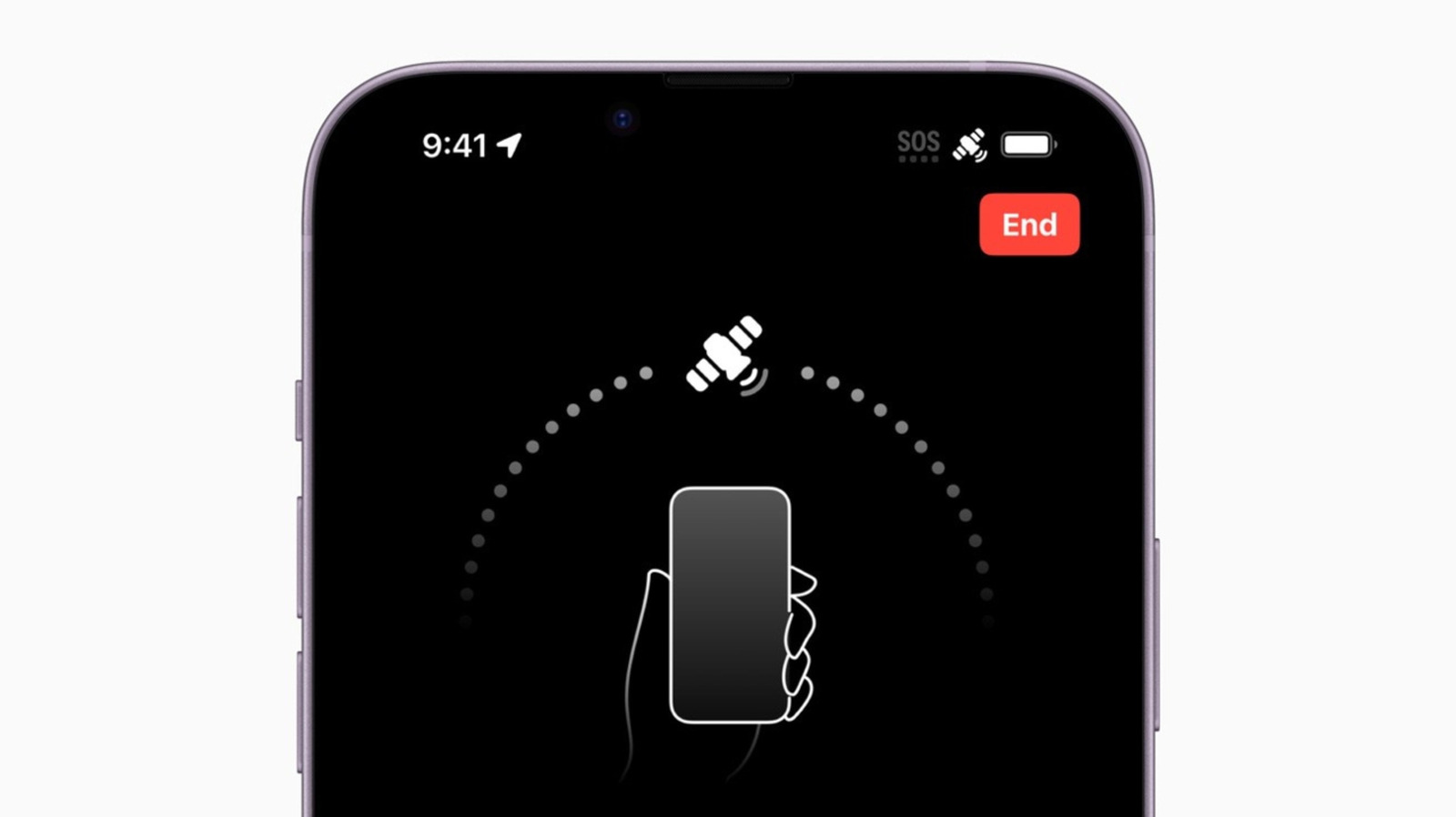
The article explains what the SOS or SOS-only indicator on an iPhone means, including its ability to contact emergency services through other cellular networks or, on newer models, via Apple’s satellite network. It outlines troubleshooting steps such as toggling Airplane Mode, restarting the device, updating iOS and carrier settings, checking SIM or eSIM settings, contacting the carrier, and using Apple Support diagnostics. It also discusses travel-related causes, including data roaming and international eSIM configuration.
Summary generated July 27, 2026. AI summaries can make mistakes.
Read Original on EngadgetCategory
Topic (AI-estimated)
Technology & Science
86% confidence
Tech Giants
This category is an AI-estimated classification based on the article's content and may not be fully accurate.
Sentiment
Sentiment
Neutral